


Custom Parameters on Services
Custom parameters can be attached to Services, in a similar format to Products. This allows for additional data to be applied to a service and stored when the service is purchased.
Creating New Service Parameters
Service parameters are created in the same place as Product parameters, under the Products tab of eSuite HQ.
Selecting the Product Types tab will bring up the Product Types menu.
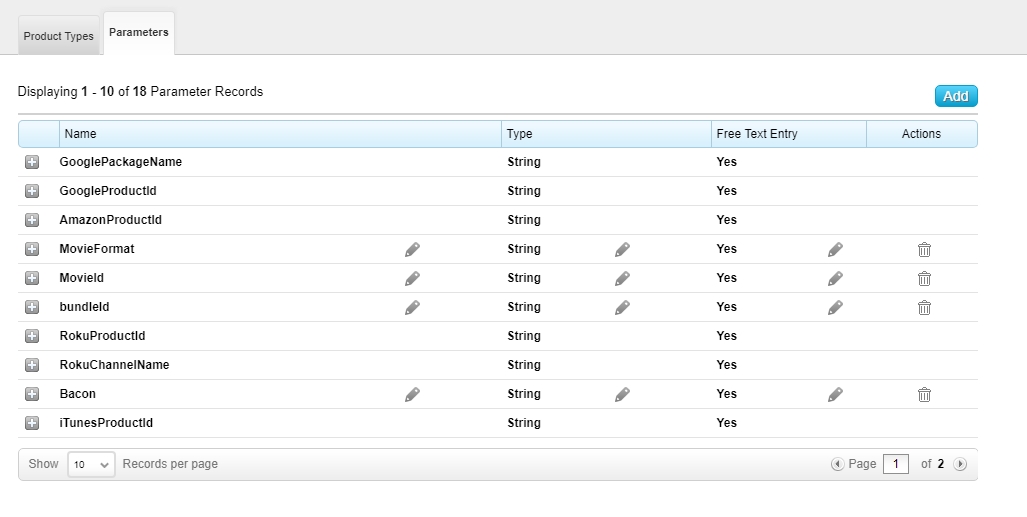
Custom parameters for Services can be configured by creating Product Types for those services, such as the subscription service product type in the above example.
Existing custom parameters can be added from the Parameters drop down list, or new parameters can be created from the Parameters Tab, for use with this Product Type.
Adding Parameters to Services
Once created, these parameters can be added to existing Services at the bottom of the screen against the specific Service, under Product Type.
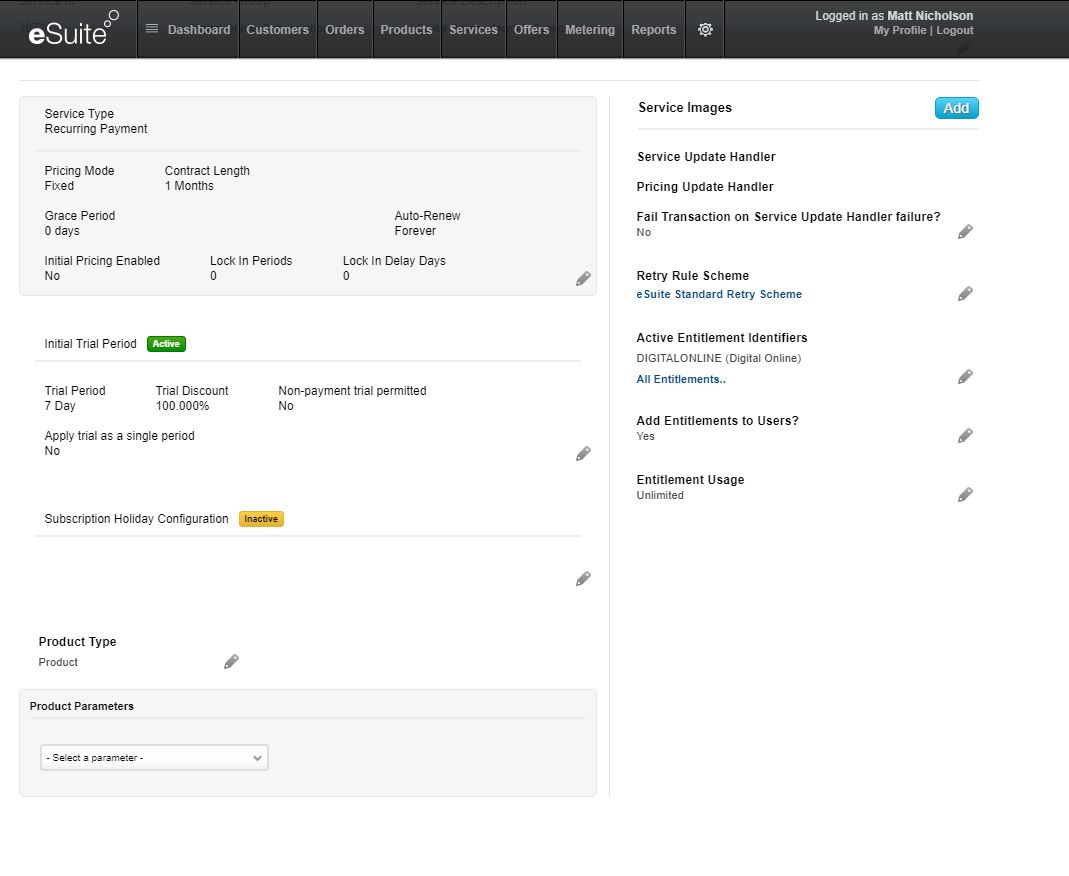
Selecting the new Product Type in the drop down menu allows you to set the specific Type for this service, and add values to the parameters associated with this Product Type.
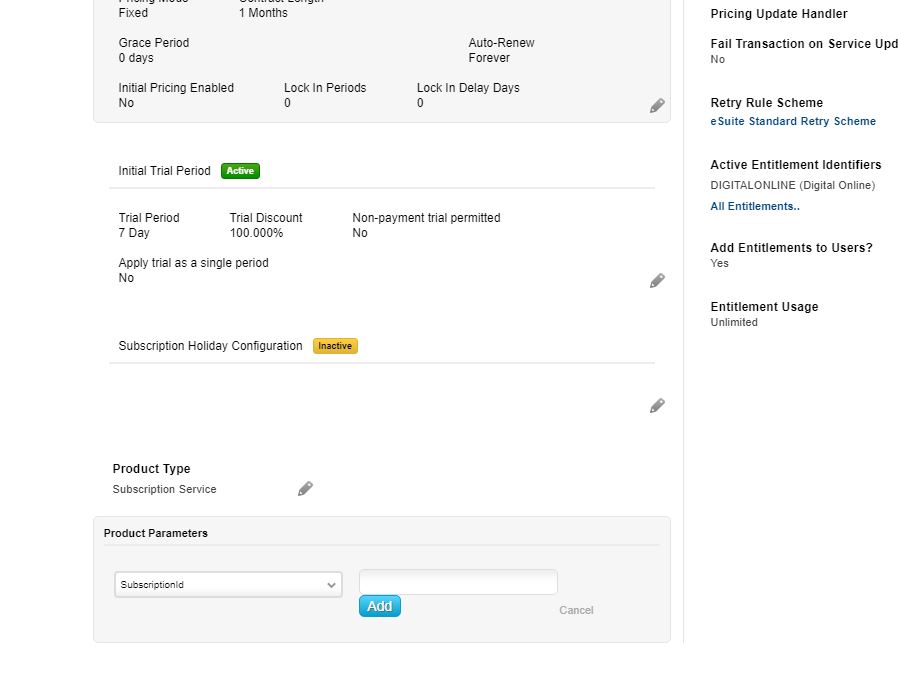
Please note that is currently not possible to remove service parameters names to services once created, but it is possible to edit the parameter values set against them. This is due to be addressed in a future release.